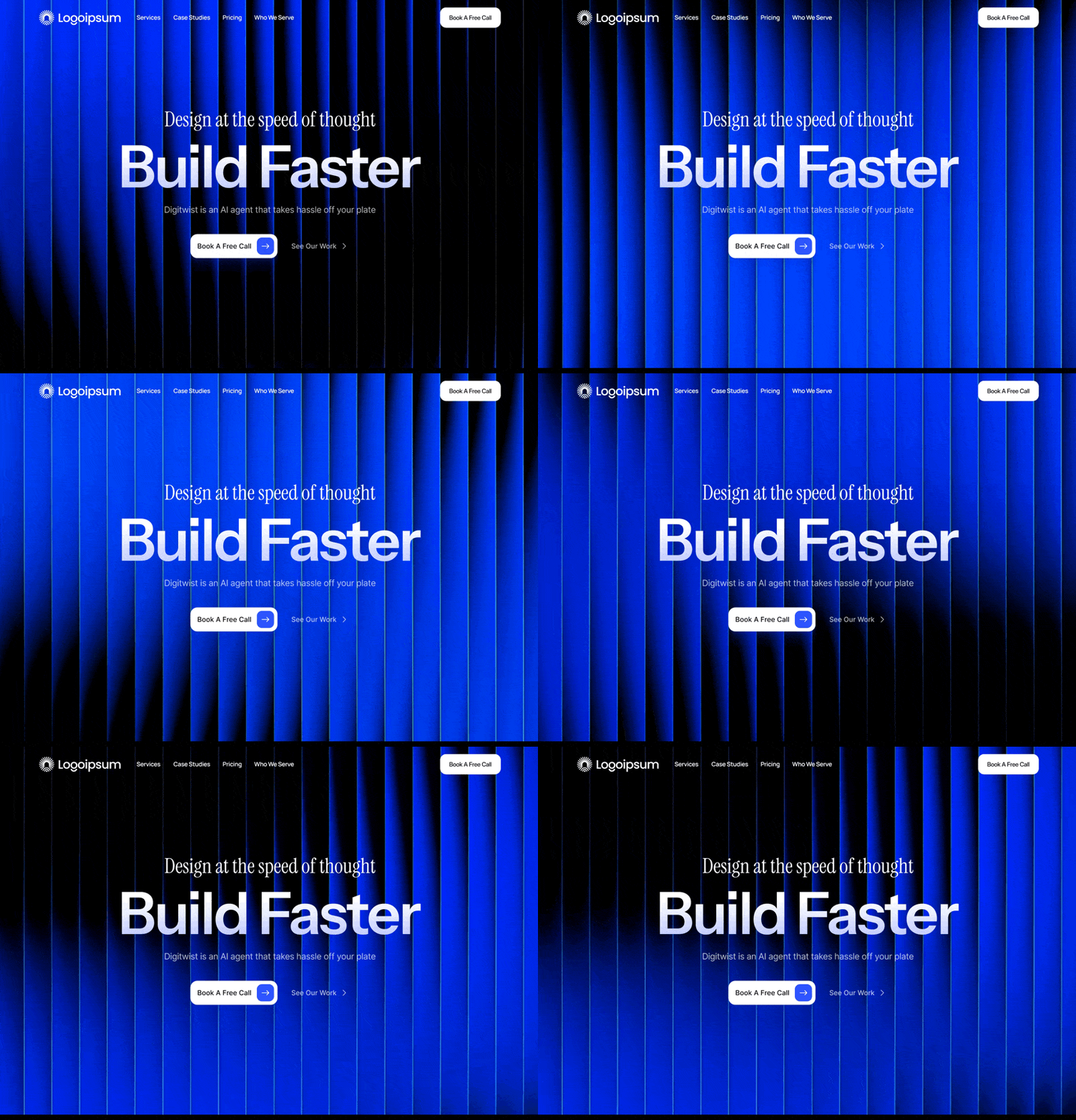
Digitwist AI Builder
网站 · SaaS · 免费
在云境TS 中打开并复制 →
内容预览
Create a dark mode hero section for an AI website builder with the following exact specifications: ## Technical Setup ### Required Packages Install these packages: - `motion` (version 12.23.24 or later) - for animations - `hls.js` (version 1.6.15 or later) - for video streaming - `lucide-react` (version 0.487.0 or later) - for icons ### Fonts Import these Google Fonts: ```css @import url('https://fonts.googleapis.com/css2?family=Instrument+Sans:ital,wght@0,400..700;1,400..700&family=Instrument+Serif:ital@0;1&display=swap'); ``` ## Layout Structure ### Navbar Component Create a fixed, transparent navbar with: **Position & Styling:** - Fixed to top, full width, z-index 50 - Background: fully transparent (bg-transparent) - Padding: px-6 py-4 - Flexbox layout: items-center justify-between **Left Section:** - Sunburst icon (24x24px SVG) in white color **Center Section** (hidden on mobile, visible md:flex): - Navigation links: "Products" (with ChevronDown icon), "Customer Stories", "Resources", "Pricing" - Font: Instrument Sans, text-sm, font-medium - Color: text-white/80, hover:text-white - Gap: gap-8 **Right Section:** - "Book A Demo" link (hidden on small screens, sm:block) - "Get Started" button: white background, black text, rounded-full, px-5 py-2.5, font-semibold ### Hero Section Component **Container:** - Relative positioning, full width, min-h-screen - Background color: #000000 (pure black) - Text color: white - Overflow hidden **Background Video Layer:** - Video URL: http

……(完整源码请在站内查看)