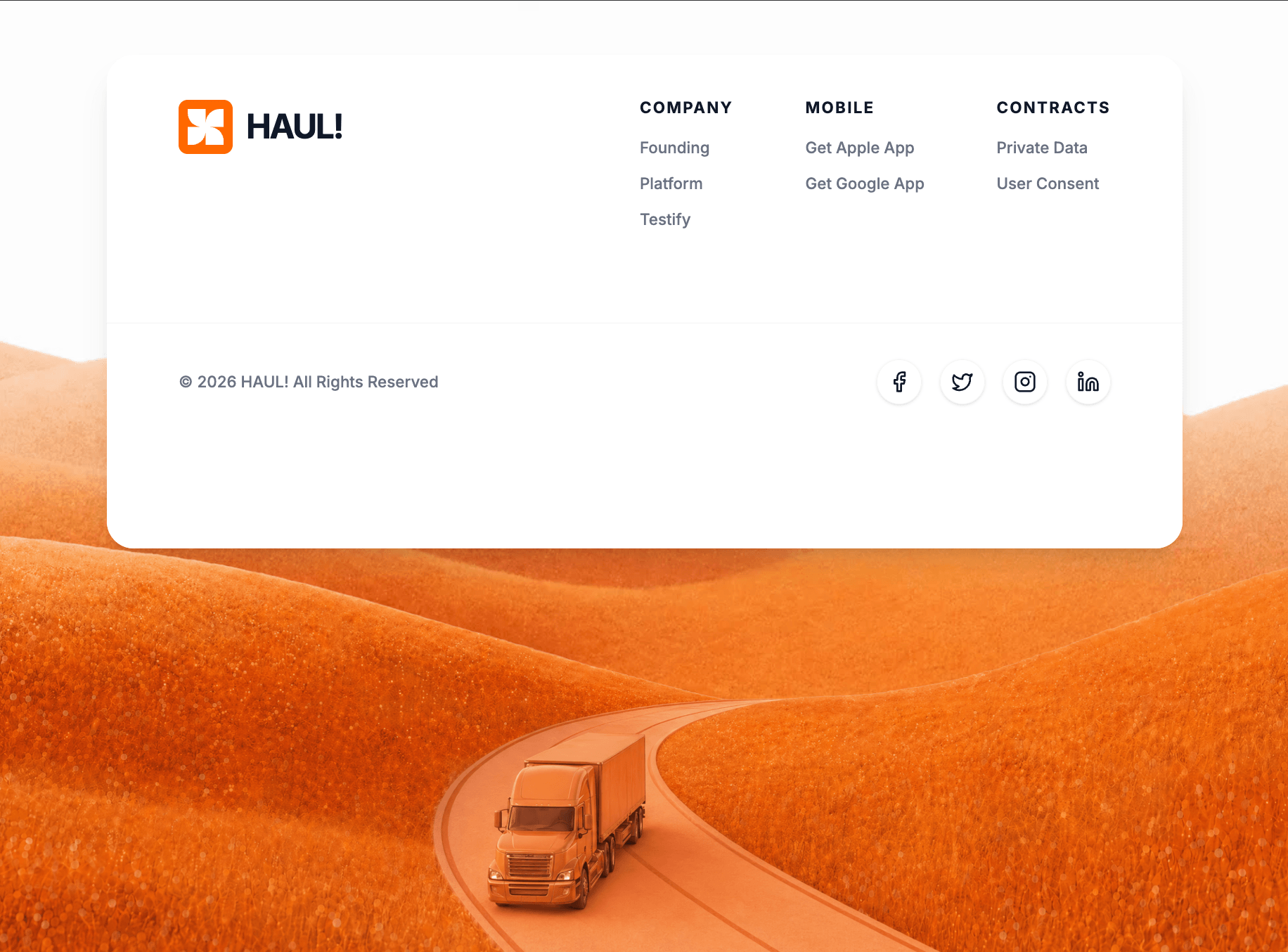
Build a React functional component using Tailwind CSS, `motion/react` for animations, and `lucide-react` for icons. **1. Typography & Setup:** - Import the "Inter" font from Google Fonts (weights 400, 500, 600, 700) and set it as the default sans-serif font in the Tailwind config/CSS. - The overall background of the page should be `#f8f9fa`. **2. Top Spacer Section (View Below):** - Create a section at the top of the page. Height should be `50vh` (on mobile/lg) and `30vh` (on md screens). - Background color: `#FDFDFD`. - Center a text element that says "View Below". The text should be `text-gray-300`, small font, bold, uppercase, with wide `tracking-[0.5em]`. - Animate this text with Framer Motion to fade in from `opacity: 0` to `opacity: 1`. **3. Main Parallax Container:** - Below the spacer, create a main full-viewport-height (`h-screen`) section. - Set its background image to: `https://images.higgs.ai/?default=1&output=webp&url=https%3A%2F%2Fd8j0ntlcm91z4.cloudfront.net%2Fuser_38xzZboKViGWJOttwIXH07lWA1P%2Fhf_20260430_115327_3f256636-9e63-4885-8d0b-09317dc2b0a5.png&w=1280&q=85` - Make sure the background covers the container (`bg-cover bg-center`) and set `overflow-hidden` with `relative` positioning. - Set up a Framer Motion `useScroll` target on this container. Map the `scrollYProgress` from `[0, 1]` to `[-50, 150]` using `useTransform`. Apply this transformed y-value to the foreground truck image layer (described below). **4. The Top-Aligned Footer Card:** - Position a

……(完整源码请在站内查看)